


LIBERTY VPN / ACCESS 01
The internet you know, on your devices
Liberty VPN helps you connect to familiar websites and services through a secure route, without complicated setup or unnecessary technical detail
- 22 countries
- Up to 150 devices
- Help with setup
Activate your trial in your account

WHY LIBERTY / 02
A subscription that fits your needs
Everyone has their own familiar corner of the internet. Liberty helps you find a suitable route to yours

Three subscription options
Choose a plan for one person, a family of up to 6 people or a team of up to 25 people
Multiple devices
The recommended number depends on your plan: up to 10, 30 or 150 devices
Solutions for changing conditions
Liberty continually works on technical solutions that help restore access to familiar services
Give a subscription
You can get Liberty for yourself or give it as a gift to someone close to you
Referral programme
Invite friends, earn points and exchange them for a subscription
GETTING CONNECTED / 03
Five steps to get connected
Know what to do at every step, without getting into network settings
Create an account
Use the Telegram bot or your account dashboard
Choose a plan
Pick a plan and subscription length
Copy your key
Get your subscription link from the Telegram bot or your account
Add it to the app
Install a compatible VPN app and paste your subscription link
Turn on the VPN
Choose a server in the app and connect
PLATFORMS / 04
One service, many devices
Use Liberty on your smartphone, computer, Android TV and Apple TV, or through a router
We recommend the Happ app to connect to Liberty VPN. The guide explains where to download the app and how to add your subscription
LOCATIONS / 05
Switch locations as conditions change
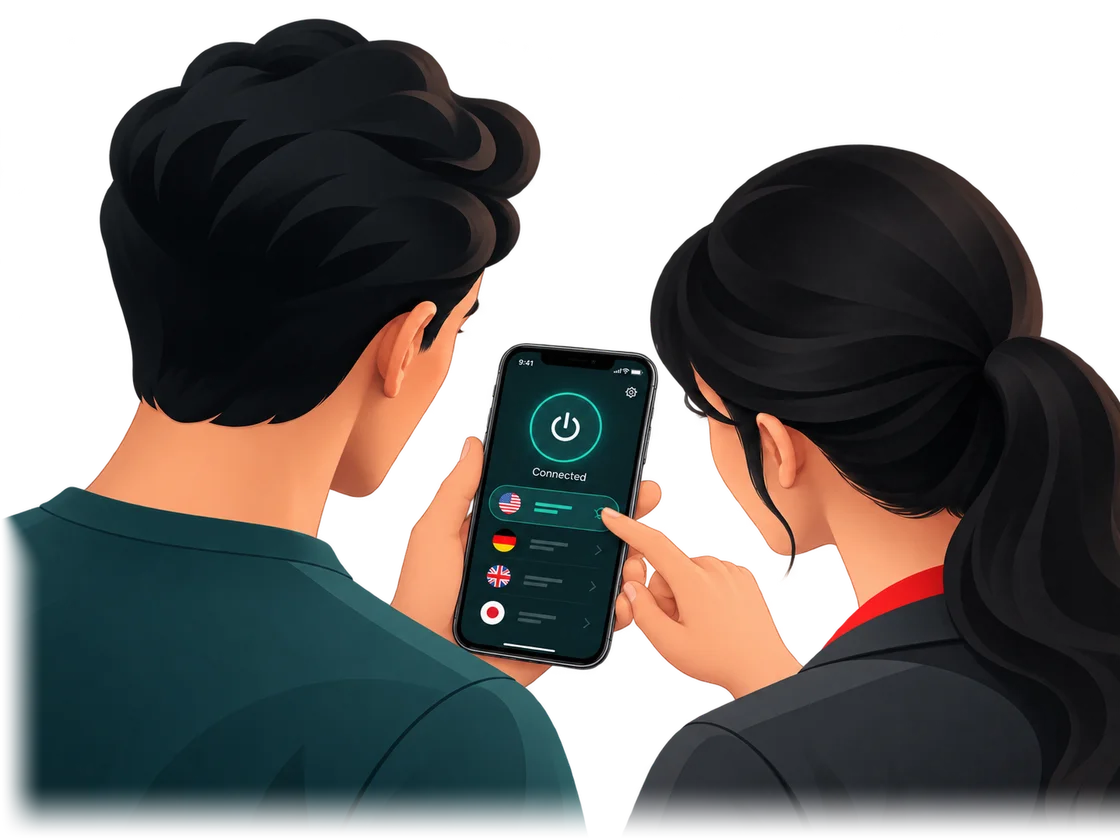
Choose a connection country for what you need to do, and switch when necessary
- Brazil
- United Kingdom
- Hungary
- Germany
- India
- Spain
- Italy
- Kazakhstan
- Canada
- China
- Latvia
- Lithuania
- Moldova
- Netherlands
- Poland
- Russia
- United States
- Turkey
- Finland
- France
- Switzerland
- Japan




















SUPPORT / 06
Helping you get connected
Having trouble setting up or connecting? We will help you work it out and find the next step
- choosing a compatible app
- adding your key
- switching locations
- restoring your connection
REVIEWS / 07
Liberty VPN reviews
User experiences, from the first setup to everyday connections
Great VPN service I've ever had. Vpn liberty - progressive service that have all functionality you ever need. They doing all to stay up to date. I am deeply satisfied with this VPN.
PotatusRead on Trustpilot A well working VPN with various locations to choose as well as friendly support that helps you until the problem is solved
AndreiRead on Trustpilot This is a super convenient VPN. With the ability to quickly connect and create widgets and a switch in the status bar. During all this time of work it has never let me down. And I am especially pleased with the absence of restrictions on speed and traffic volume.
Cyril InfuseHopeRead on Trustpilot The only VPN that works in jurisdictions which do very aggressive packet filtering, and employ deny or allow lists of hostnames. I tried bunch of well known VPN apps and solutions and none of them worked.
Oleg KlyudtRead on Trustpilot The VPN service works reliably with a stable connection and good internet speeds. I also appreciate the large selection of servers, which makes it easy to find a suitable option. Overall, a solid choice.
Asmodeus CCGSRead on Trustpilot Stable service for reasonable money
RomanRead on Trustpilot Fast connection, cheap to use. Great customer service. Helps a lot. Thank you, VPN Liberty
DTRead on Trustpilot The service as a whole is stable. It rarely happens that it doesn't connect to any service, but it happens 1 time out of 10. It is convenient that you can use the "Family subscription" and manage it from 1 account. The setup is simple. Everything is fine with me and my family. I've been using it for a year now. I recommend.
Николай ТремаскинRead on Trustpilot
PRICING / 08
For you, your family or your team
The core features are the same. The number of users, recommended number of devices, subscription length and price vary
Best choice
12 months
Discount 17%
$5.83/ monthWithout discount: $83.88
$69.99 for 12 months
6 months
Discount 17%
$5.83/ monthWithout discount: $41.94
$34.99 for 6 months
3 months
Discount 9%
$6.33/ monthWithout discount: $20.97
$18.99 for 3 months
1 month
$6.99/ month$6.99 for 1 month
The final subscription price is shown in your account before payment
FAQ / 09
What to know before you connect
Quick answers about subscriptions, devices and support
What is a VPN and why would I need one?
A VPN routes internet traffic through a remote server and creates a secure connection between your device and that server. This may help restore access to familiar websites and services.
Is there a trial?
Yes. The length and terms of the trial depend on how you activate it.
How do I activate the trial?
Log in to your account. If you have no active subscription and your account is new or has not used a trial before, you will see an offer to activate trial access.
Which devices can I use with Liberty VPN?
You can set up Liberty VPN on Android, iPhone and iPad, Windows, macOS, Linux, Android TV and Apple TV, as well as preconfigured Liberty routers. The app and setup method depend on your device.
How do I connect to Liberty VPN?
Get your personal subscription link from your account or the Liberty VPN Telegram bot. Liberty VPN does not have its own app yet: we recommend Happ for connecting, and on iOS you can also use INCY. Install a suitable client using the instructions for your device, add the link, choose a server and turn on the VPN.
Can I use one subscription on multiple devices?
Yes. The recommended number of devices depends on your plan: up to 10 for Personal, up to 30 for Family and up to 150 for Team.
Where can I manage my subscription?
You can manage your subscription in your account or the Liberty VPN Telegram bot. You can also pay for the VPN in the bot.
Can I change my connection country?
Yes. You can choose one of the available locations and change it when needed.
What should I do if the VPN will not connect or stops working?
Check that your device is connected to the internet and try another available location. If the problem persists, contact Liberty support and tell us your device, app and exactly what happens when you try to connect.
Get back to the internet you know
Connect Liberty VPN on your devices and check how your familiar websites and services work
Try for freeStill have questions?Contact support